WaveSpeed Beginner's Guide: Flux Image Generation with an API Key, No GPU

TL;DR: WaveSpeed is a cloud AI platform where you can run the best image generation models (such as Flux) without your own graphics card — you sign up, get an API key, top up a small balance, and start generating. On the AI OFM platform you turn prompts into images in one click with your own WaveSpeed key. Below, step by step: sign-up, API key, balance and built-in use.
If you want to create photorealistic AI content (for example for Fanvue), Flux does most of the heavy lifting. The only problem is that running Flux takes either a powerful graphics card or a cloud service that runs it for you. WaveSpeed is exactly the latter: a beginner-friendly cloud where you're up and running in a few minutes.
What is WaveSpeed?
WaveSpeed is a cloud-based AI inference platform — in plain English: the image generation (and other) AI models run on their servers, and you access them with an API key. You don't need to install anything, you don't need an expensive GPU, and you don't need to fiddle with settings. That makes it ideal for beginners who want sellable-quality images fast, without a technical background.
Why we use WaveSpeed
- No GPU, no installation — sign up in your browser and go.
- Flux and other models — the models you need for photorealistic images are available.
- Pay-as-you-go — you top up a balance and only actual generations draw from it; no mandatory monthly fee.
- Built into the platform — on AI OFM you generate from the prompts in one click with your own key.
Note: the WaveSpeed links in this article are affiliate links — if you sign up through them, you support us at no extra cost to you. We recommend WaveSpeed because our platform itself uses it for image generation.
Step 1 — Sign up
Open the WaveSpeed sign-up page and create an account (email + password, or a Google account). Once you've confirmed it, you're already logged into the dashboard.
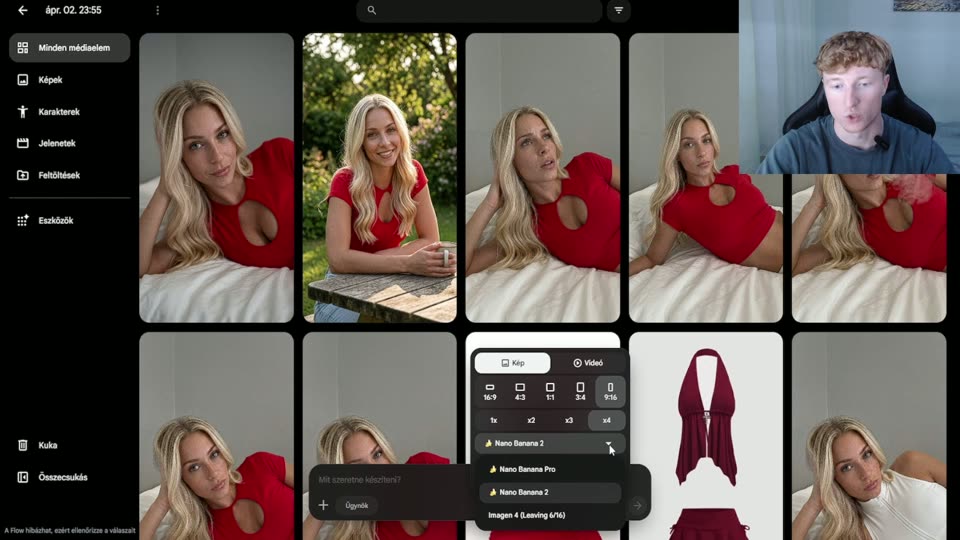
Step 2 — Create an API key
In your account, find the API Keys section and create a new key. It will be a long string starting with ws- — this is what you'll use to generate. Treat it like a password: don't share it with anyone, and never post it publicly.
Important: the AI OFM platform stores your key only in your own browser — we never save it on our servers, and every generation goes directly to WaveSpeed with your key.
Step 3 — Top up your balance
WaveSpeed works on a pay-as-you-go basis: you add a balance (credits) to your account, and every generation draws from it. A small amount is plenty to try things out. Always check WaveSpeed's own site for exact, current pricing, since it can change over time — we deliberately don't quote a fixed price here so an outdated number doesn't mislead you.
Step 4 — Generate on the AI OFM platform
Here's the key part — the reason you don't have to learn a separate interface. On the Prompts page of the AI OFM platform:
- Paste your WaveSpeed API key (once — it stays in your browser).
- Upload a character image (the face of your own AI model).
- Click the ✨ button on any prompt — and the image is generated on WaveSpeed with your key, right there in the interface.
That way any of the 1995 ready-made, Flux-optimized prompts becomes a photorealistic image in one click — no installation, no tinkering. For prompt basics, see AI prompt engineering and AI image generation for beginners.
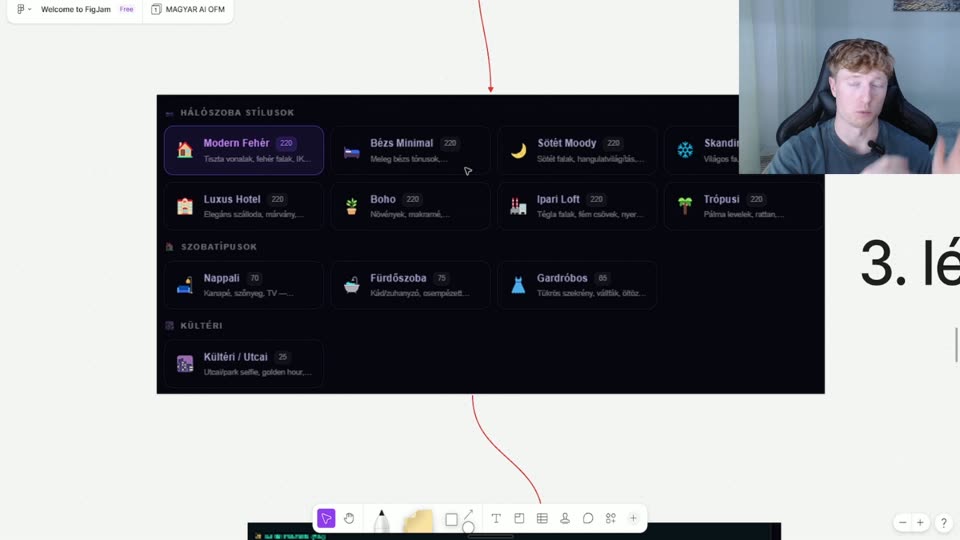
Which models should you use?
For OFM content, Flux is the main model thanks to its photorealism — for detailed settings, see our Flux settings guide. As a beginner, stick with Flux and only experiment with other models once the basics are working. For a head-to-head of the models, here's the best AI image generator 2026 comparison.
Tips so you don't waste your balance
- Start with a good character image — on WaveSpeed too, a consistent face depends on the input image.
- Use ready-made prompts — a prompt written from scratch takes more attempts (and more credits).
- Test at low resolution first, and only run the winning setup at full size / enhance it with the upscaler workflow.
Related articles
Frequently asked questions
What is WaveSpeed, and what is it good for?+
WaveSpeed is a cloud AI platform where you can run image generation models such as Flux without your own graphics card. You sign up, get an API key, top up a small balance, and from then on your images are generated on their servers. It's ideal for beginners because there's no installation, no GPU and no technical setup — you're up and running in a few minutes.
How do I get a WaveSpeed API key?+
Sign up on the WaveSpeed site, log into your account, and create a new key in the API Keys section. It will be a string starting with ws-, which you should treat like a password. On the AI OFM platform you paste this key once, and from then on you generate images from the prompts in one click — the key is stored only in your browser.
How much does WaveSpeed cost?+
WaveSpeed works on a pay-as-you-go basis: you top up a balance and every generation draws from it, with no mandatory monthly fee. Always check WaveSpeed's own site for exact, current pricing, since it can change. A small balance is enough to try it out, because a single image generation is typically a small charge.
Is it safe to enter my WaveSpeed API key on the platform?+
Yes. The AI OFM platform stores your WaveSpeed key only in your own browser — we never save it on our servers. Every generation goes directly to WaveSpeed with your key. Even so, always keep the key confidential, and if you think it has leaked, you can revoke it and generate a new one in your WaveSpeed account at any time.
Do I need to install any software for WaveSpeed?+
No. WaveSpeed runs in the cloud, and you use it from your browser through the AI OFM platform: paste your API key, upload a character image, and click the generate button on a prompt. No ComfyUI installation, no GPU setup — it's the easiest route to photorealistic Flux images for beginners.
Now do it — here are the tools
You've read it — now put it to work. These are ready and waiting on the platform.
Available on a free account — no credit card needed. Sign me up
Follow along on social: