TechnicalMay 28, 2026· Updated: July 2, 2026· 10 min read
Flux AI Image Generation: Settings, LoRA and Perfect Prompt Tips
A
Akos — $1,510 in first-month Fanvue revenue from zero, founder of the AI OFM community (387+ members)
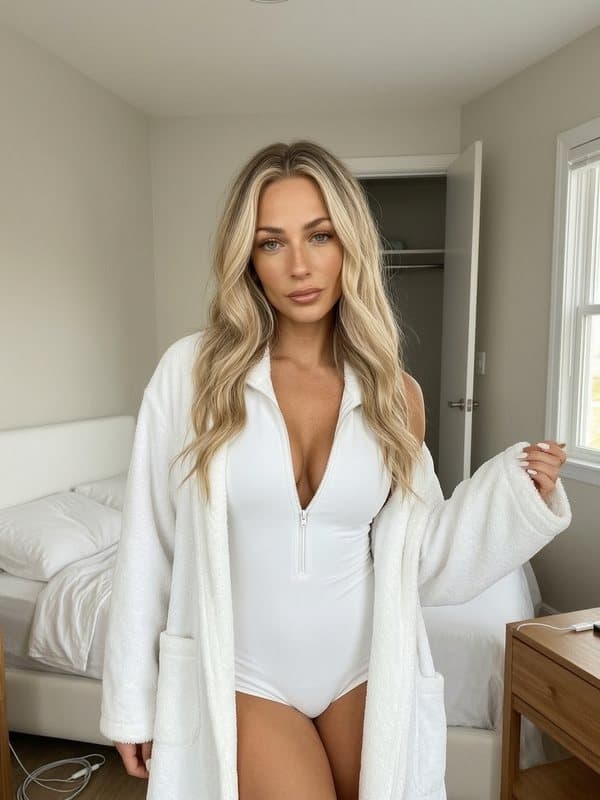
Why Flux?
In 2026, Flux is the best open-source image generator for photorealistic content. All 1995 AI OFM prompts are optimized for it — and for good reason.
Flux model variants
- Flux.1 Dev — the core model, the best balance of quality and speed
- Flux.1 Pro — higher quality, slower, available via API
- Flux.1 Schnell — fast (4 steps), lower quality, great for testing
For OFM content, Flux.1 Dev is the best pick — fast enough, with excellent quality.
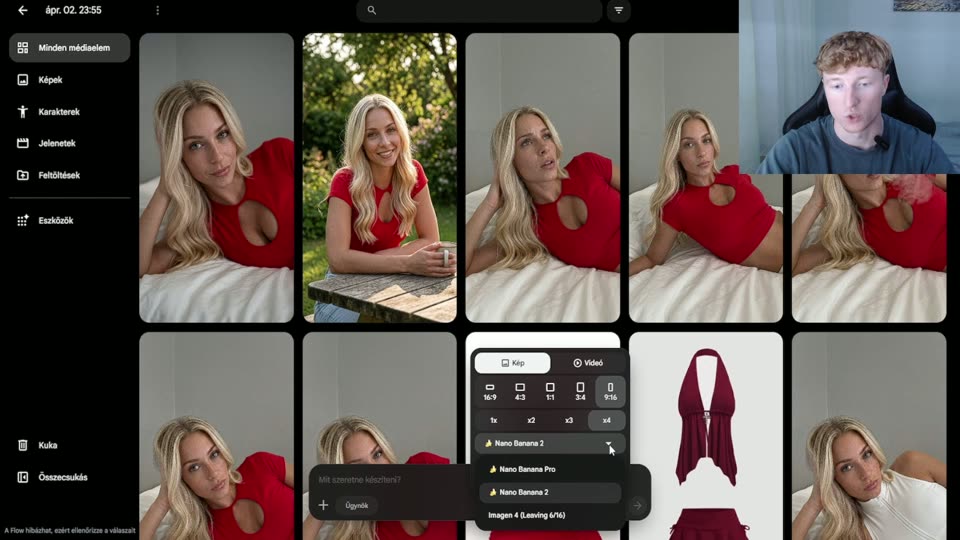
LoRA — custom styles and faces
A LoRA (Low-Rank Adaptation) lets you train a custom style or face into the model. It's the key to a consistent AI persona.
- Face LoRA: trained on 15-30 reference images, it then generates the same face every time — the alternative is AI face swap technology
- Style LoRA: a defined visual style (e.g. "editorial photoshoot")
- Outfit/pose LoRA: trains a specific outfit or body position
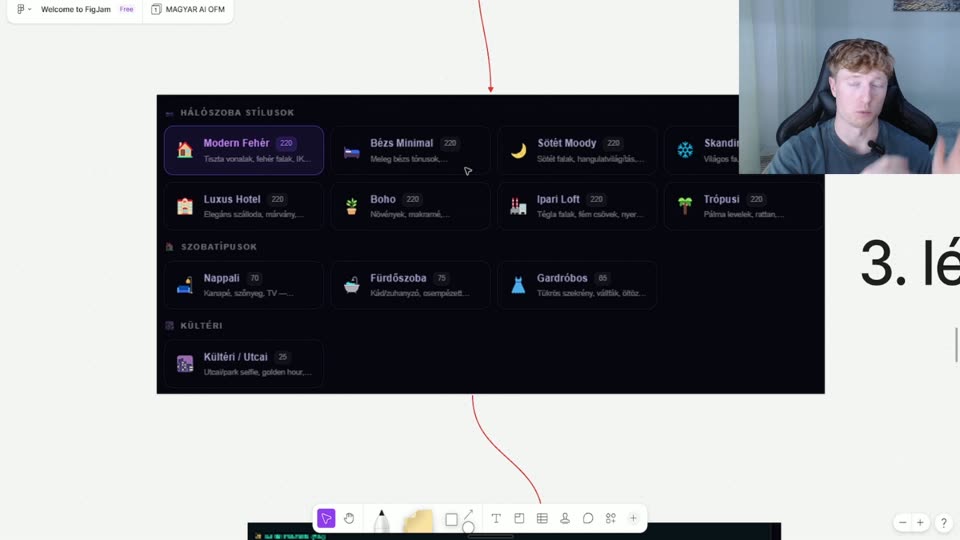
Prompt structure for Flux
Flux understands natural language best (no need for tag lists like with SDXL):
- Subject: "A candid photo of a young woman in a white tank top..."
- Setting: "...in a modern minimalist apartment, morning light through windows"
- Camera: "...shot on Sony A7III, 85mm f/1.8, shallow depth of field"
- Quality: "...photorealistic, 8k, sharp focus, natural skin texture"
Settings tips
- Steps: 20-30 (Dev), 4 (Schnell)
- CFG Scale: 3.5-7.0 (lower = more natural)
- Resolution: 1024×1024 or 768×1152 (portrait)
- Seed: lock it when you get a good result — that makes it reproducible
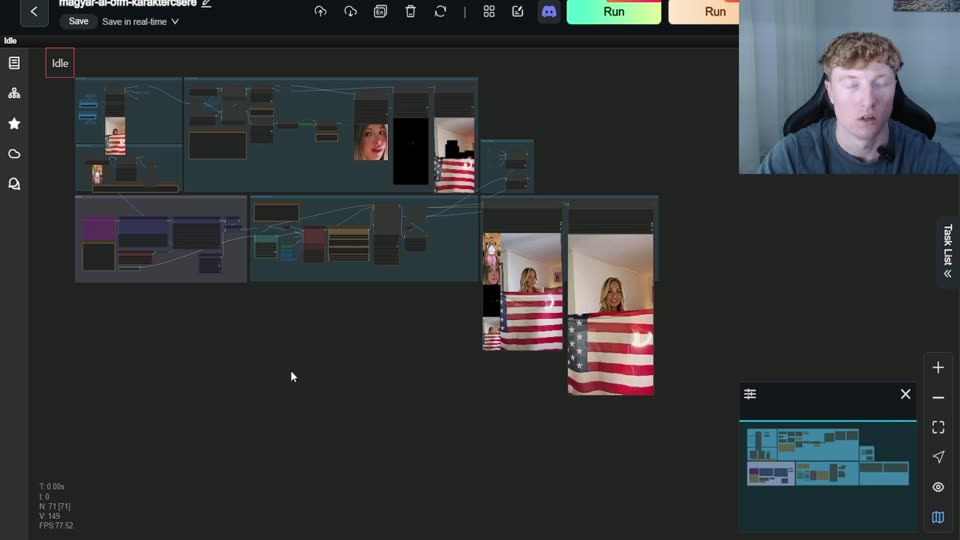
The RunningHub workflow automates all of this — you only provide the image and the prompt.
Related articles
Create
Now do it — here are the tools
You've read it — now put it to work. These are ready and waiting on the platform.
Prompt library
1,995 ready-made prompts, filterable by location and pose.
Workflows
Image upscaling and video — ready-made ComfyUI workflows.
Your first image
Haven't generated anything yet? Start here.
Available on a free account — no credit card needed. Sign me up
Follow along on social: