TechnicalMay 25, 2026· 8 min read
AI Face Swap: How It Works and How to Use It Safely
A
Akos — $1,510 in first-month Fanvue revenue from zero, founder of the AI OFM community (387+ members)
What is face swap?
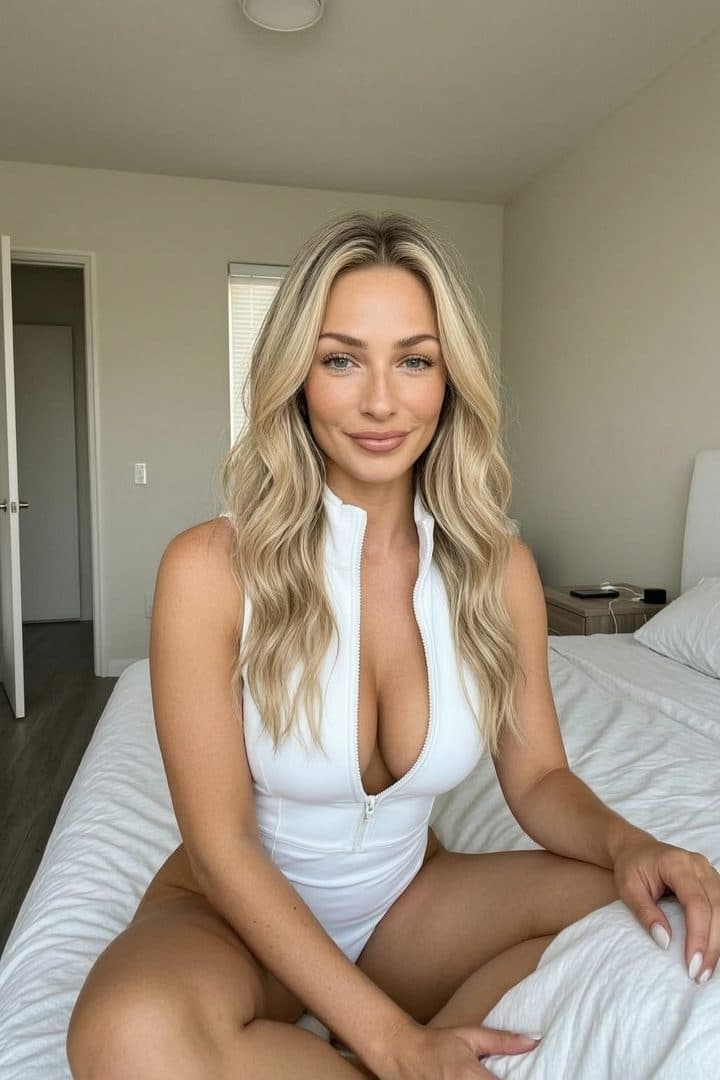
Face swap is an AI technique that places a reference face onto another image. The result looks natural: the body and the pose stay the same, and only the face is replaced.
Why it matters in OFM
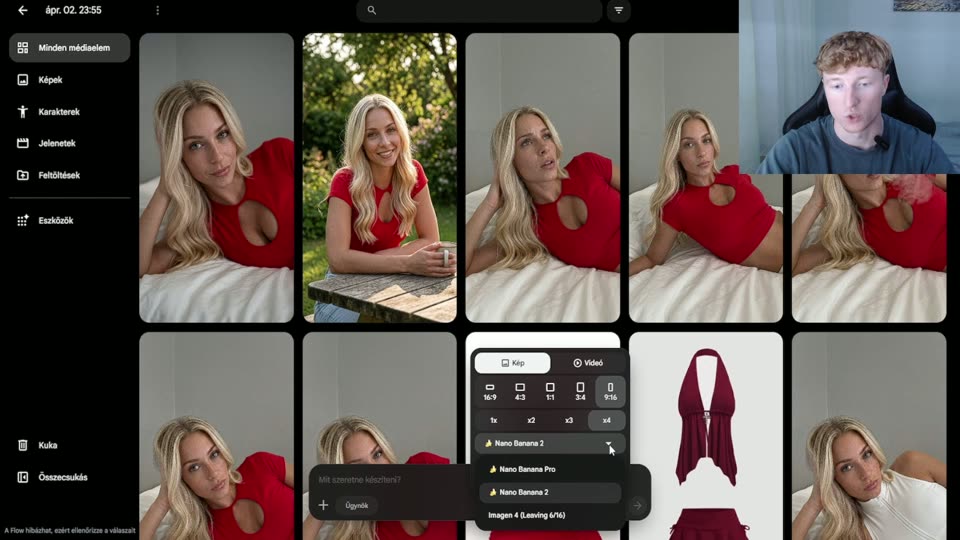
In AI content creation, a consistent face is everything. The same "person" has to show up in every image you generate. Face swap makes that possible — you create a face once, then use it on every image.
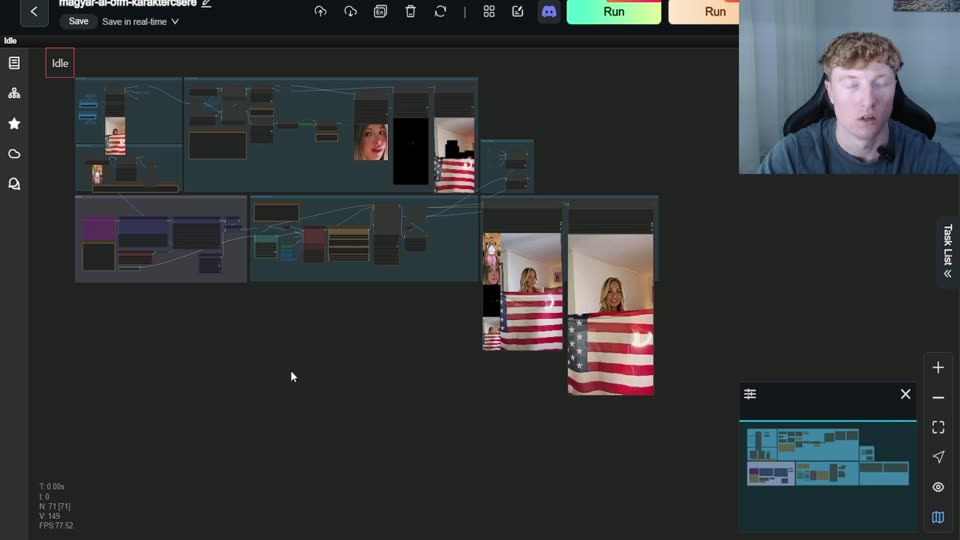
How it works under the hood
- Face detection — the AI finds the face in both the source and the target image
- Landmark mapping — it identifies 68+ facial points (eyes, nose, mouth) in both images
- Face transformation — the reference face is warped to match the target pose
- Blending — the edges of the face are smoothed so no seam shows
- Post-processing — skin tone and lighting are matched
Tools
- InsightFace — the best open-source face swap, integrates with ComfyUI
- ReActor — a Stable Diffusion extension, easy to use
- RunningHub — the AI OFM workflow automates the entire process
Ethics rules — IMPORTANT!
- ❌ NEVER use a real person's face without their permission
- ❌ Celebrities, influencers and people you know are OFF-LIMITS
- ✅ Only use a fully AI-generated face or your own
- ✅ Fanvue's policy requires this too
Tips for natural-looking results
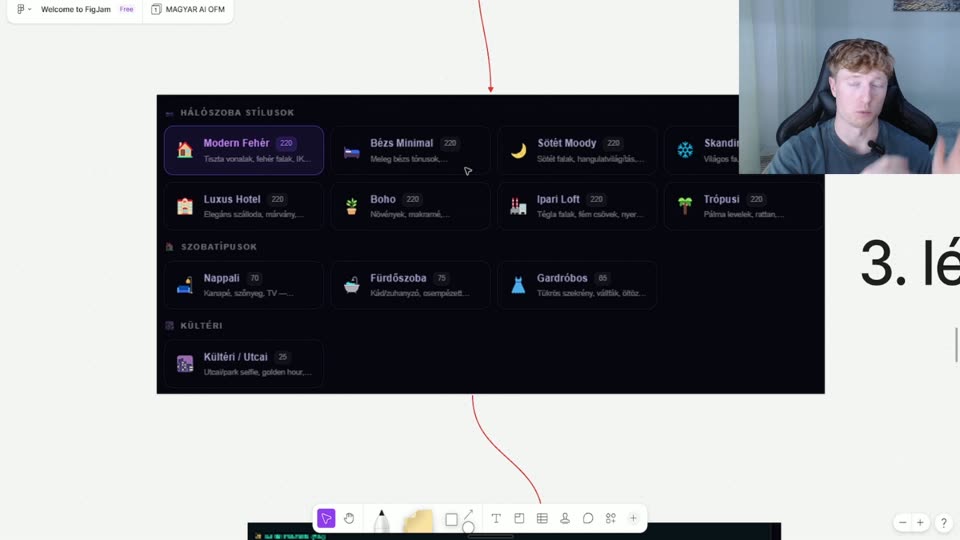
- Use a high-quality reference image (front-facing, well lit)
- Keep the face at a similar angle in the source and the target image
- Upscale AFTER the face swap, not before
The AI OFM workflow system automates face swapping — no manual setup required.
Related articles
Create
Now do it — here are the tools
You've read it — now put it to work. These are ready and waiting on the platform.
Prompt library
1,995 ready-made prompts, filterable by location and pose.
Workflows
Image upscaling and video — ready-made ComfyUI workflows.
Your first image
Haven't generated anything yet? Start here.
Available on a free account — no credit card needed. Sign me up
Follow along on social: