TechnicalJune 2, 2026· Updated: July 2, 2026· 8 min read
How to Make AI Content Look Real: 10 Tips for Natural Results
A
Akos — $1,510 in first-month Fanvue revenue from zero, founder of the AI OFM community (387+ members)

Why it matters that your content doesn't look like AI
AI detection tools keep getting better, and audiences keep getting savvier. If your content "looks like AI", you lose credibility. Here are 10 proven tips.
Images — 5 tips
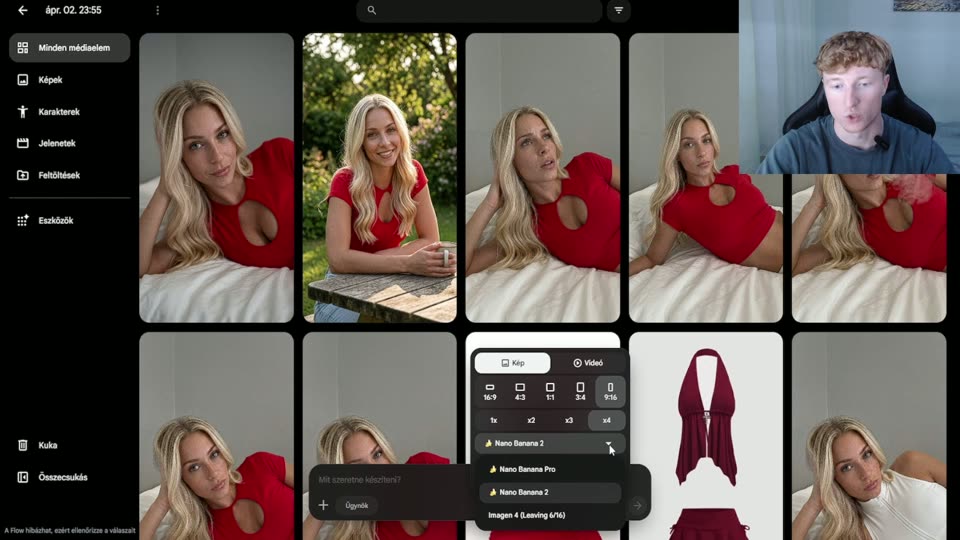
- Check the hands and fingers — AI's biggest weakness. Always inspect the hands, and if they're wrong, regenerate or fix them in post
- Background details — look at any text in the background (signs, book titles). AI often generates gibberish — crop it out or blur it
- Skin texture — AI tends to make skin too smooth. Add "skin pores, natural skin texture" to your prompt
- Consistent lighting — make sure the light comes from the same direction everywhere. Multiple light sources = more natural
- Upscale + face swap — the upscaler workflow adds detail, and face swap keeps the face consistent (details: AI face swap guide)
Videos — 3 tips
- Short clips — 2-5 second videos look far more natural than long ones
- Camera movement — a little camera shake makes a video feel alive
- Sound effects — background noise, music and ambient sound mask the telltale AI traits
Captions and text — 2 tips
- A personal tone — AI-written text is often too formal. Add slang, the odd typo, emojis
- Variety — never use the same prompt twice. That's exactly why AI OFM has 1,995 unique prompts
Bonus: strip the metadata
Some AI generators leave metadata in the image (EXIF, PNG chunks). Use a metadata remover before uploading — the image/video metadata tool on AI OFM is built for exactly this.
Related articles
Create
Now do it — here are the tools
You've read it — now put it to work. These are ready and waiting on the platform.
Prompt library
1,995 ready-made prompts, filterable by location and pose.
Workflows
Image upscaling and video — ready-made ComfyUI workflows.
Your first image
Haven't generated anything yet? Start here.
Available on a free account — no credit card needed. Sign me up
Follow along on social: