Best AI Image Generator 2026: Flux vs Midjourney vs DALL-E (Hands-On Test)
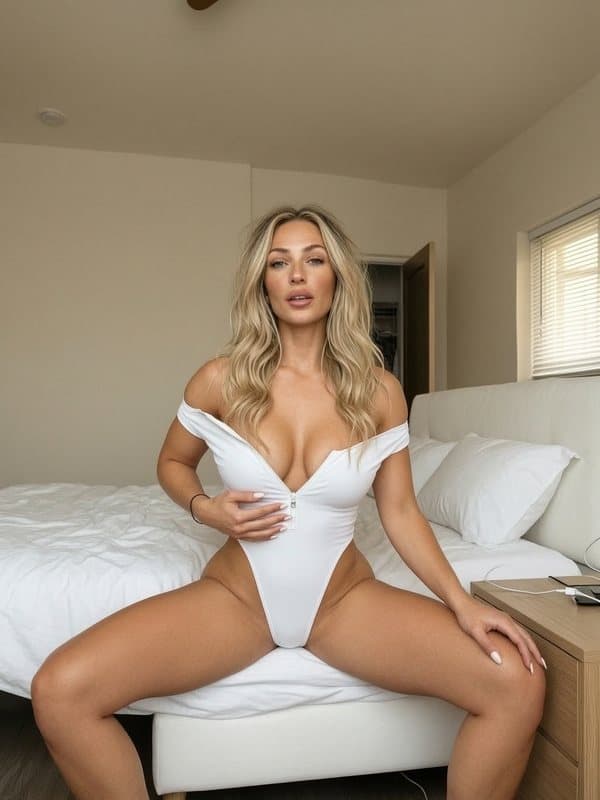
TL;DR: For photorealistic, sellable AI content (for example on Fanvue), Flux is the best image generator in 2026 — it has the best photorealism and supports custom face training (LoRA). Midjourney is artistic but can't hold a consistent face; DALL-E is the fastest way in but has a recognizable AI look; SDXL is powerful but needs a lot of fine-tuning. You don't need your own graphics card to run Flux: the easiest route is a cloud service such as WaveSpeed — API key, pay-as-you-go, up and running in minutes. The full comparison is below.
Which AI image generator should you pick in 2026?
There are plenty of options, but if you want to create photorealistic content (for example for Fanvue), the tool you choose matters. Two things decide it: how lifelike the image is, and whether you can keep the same face across a whole series. Without a consistent face, you don't have a sellable model. Here's how the main tools compare.
Flux — our pick
- Price: free (open source, needs your own GPU) or hosted in the cloud with pay-per-image pricing (estimate: a few cents per image)
- Photorealism: ⭐⭐⭐⭐⭐ — the most photorealistic results
- Speed: 10-30 sec (depends on hardware)
- LoRA support: ✅ — train custom styles and faces
- Best if: you make Fanvue/OFM content and need control
Flux currently delivers the best photorealism and — unlike Midjourney or DALL-E — can hold a consistent face with a LoRA. For detailed settings, see our Flux AI settings guide. All 1995 prompts on the AI OFM platform are optimized for Flux too.
How to run Flux without a GPU — WaveSpeed
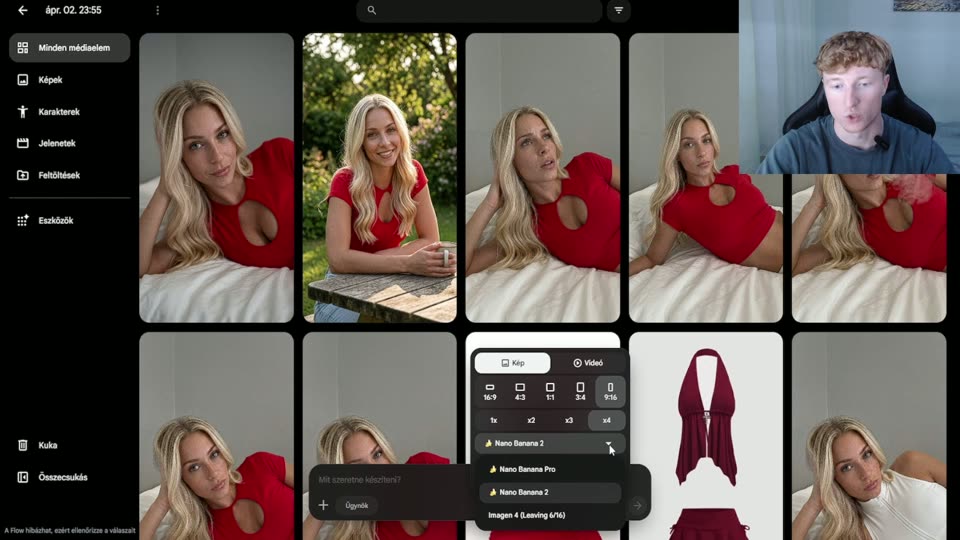
Flux's biggest "downside" isn't quality — it's that you need a powerful graphics card to run it, or a cloud service that runs it for you. The simplest, most beginner-friendly option is WaveSpeed: a cloud platform where Flux (and many other models) runs through an API key, no hardware of your own required.
- Why it's great for beginners: no installation, no GPU — sign up, get an API key, and start generating.
- Pricing: pay-as-you-go — you top up a balance and each generation draws from it (check WaveSpeed's site for exact, current pricing).
- Built-in workflow: on the AI OFM platform you turn prompts into images in one click with your own WaveSpeed key — no extra interface to learn.
For a step-by-step walkthrough of signing up and setting up your API key, read our WaveSpeed beginner's guide.
Note: the WaveSpeed link is an affiliate link — if you sign up through it, you support us at no extra cost to you. It doesn't affect our test results: we recommend Flux because it's what we actually work with.
Midjourney v6
- Price: paid (estimate: roughly $10-60/month subscription)
- Photorealism: ⭐⭐⭐⭐ — artistic, but sometimes too perfect
- Speed: 30-60 sec
- LoRA support: ❌ — no custom model training
- Best if: you want artistic images or moodboards — not a photorealistic series
Midjourney produces gorgeous images, but it falls short for OFM: you can't keep the same face across a series. Great for brainstorming, not your main tool.
DALL-E 3 (ChatGPT)
- Price: included with a ChatGPT subscription (estimate: about $20/month)
- Photorealism: ⭐⭐⭐ — good, but a recognizable AI style
- Speed: 10-20 sec
- LoRA support: ❌
- Best if: you want quick results while you learn — not for production OFM work
DALL-E is the easiest entry point, but strict content filters and a recognizable AI style mean we don't recommend it for production OFM content. It's fine for learning.
Stable Diffusion XL (SDXL)
- Price: free (needs your own GPU)
- Photorealism: ⭐⭐⭐⭐ — good, but needs plenty of fine-tuning
- Speed: 15-45 sec
- LoRA support: ✅ — huge community and model library
- Best if: you have technical know-how and your own GPU
Comparison table
| Criterion | Ranking |
|---|---|
| Photorealism | Flux > Midjourney > SDXL > DALL-E |
| Ease of use (for beginners) | DALL-E > Midjourney > Flux (with WaveSpeed) > SDXL |
| Value for money | Flux > SDXL > DALL-E > Midjourney |
| For OFM (face consistency + realism) | Flux ≫ the rest |
What do we use?
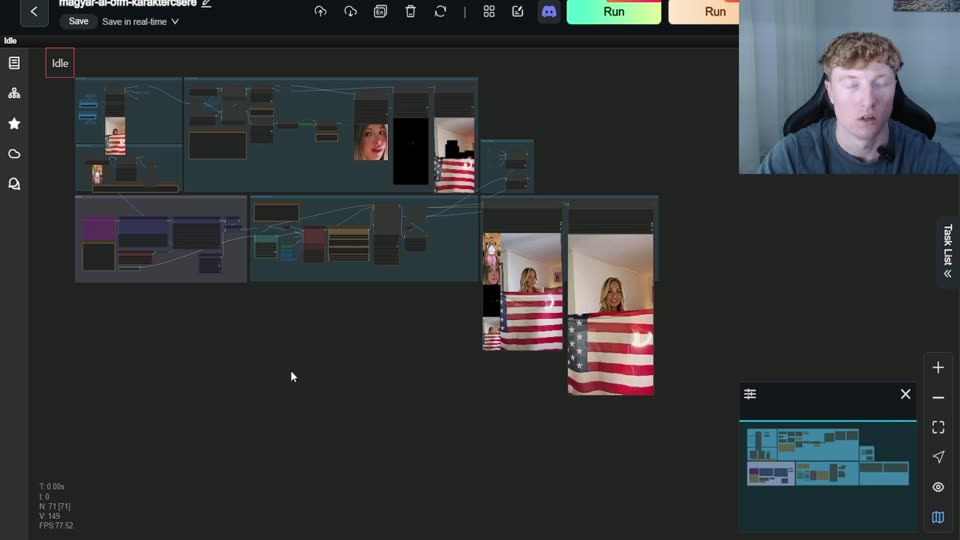
All 1995 prompts on the AI OFM platform are optimized for Flux, and we run Flux in the cloud through WaveSpeed — so no graphics card required. Our RunningHub workflows then automate image upscaling and video generation. Want the full toolkit? Here are the 10 best AI OFM tools of 2026.
Related articles
Frequently asked questions
What is the best AI image generator in 2026 for photorealistic content?+
Flux is the best choice for photorealistic, sellable content: it produces the most lifelike images and, with a LoRA, keeps the same face across an entire series. Midjourney is more artistic but can't hold a consistent face, and DALL-E has a recognizable AI style. For OFM, Flux is the clear winner thanks to its combination of face consistency and realism.
Do I need an expensive graphics card for Flux?+
Not necessarily. You can run Flux for free on your own powerful GPU, but as a beginner the easiest option is a cloud service such as WaveSpeed: the model runs there through an API key, pay-as-you-go, with no hardware of your own. On the AI OFM platform you generate images from the prompts in one click with your own WaveSpeed key, no installation needed.
How much does it cost to run Flux in the cloud?+
Cloud generation is usually priced per image on a pay-as-you-go basis: you top up a balance and each generation draws from it. Always check the provider's site (for example WaveSpeed) for exact, current pricing, since it can change. It's typically a few cents per image, so a small balance is enough to get started and test things out.
Why don't you recommend Midjourney or DALL-E for OFM?+
Because neither can keep a consistent face. A sellable AI model needs the same face in every image, and Midjourney and DALL-E can't do that without a LoRA. On top of that, DALL-E's content filters and recognizable style hold it back. Flux solves both problems, which is why it's our default choice for OFM work.
Now do it — here are the tools
You've read it — now put it to work. These are ready and waiting on the platform.
Available on a free account — no credit card needed. Sign me up
Follow along on social: